 Errand
Hide YouTube Shorts, the home feed and recommendations
YouTube always has one more video for you. Errand hides Shorts and the feed and offers to close the tab when your video ends. It's a distraction-free YouTube extension that works like an errand: you go in for one video and leave once you have it. Handy when work or study is piling up and you need a tutorial, or for one video before bed.
Free and open source, no account needed. Errand makes no network requests. Known breakages and fixes
What changes on YouTube
- Home page
- Instead of the feed, one question: "What are you here for?" Type your answer and you get search results. Or make Home open Watch later, YouTube's feed or Subscriptions (there without the "Most relevant" shelf).
- Shorts
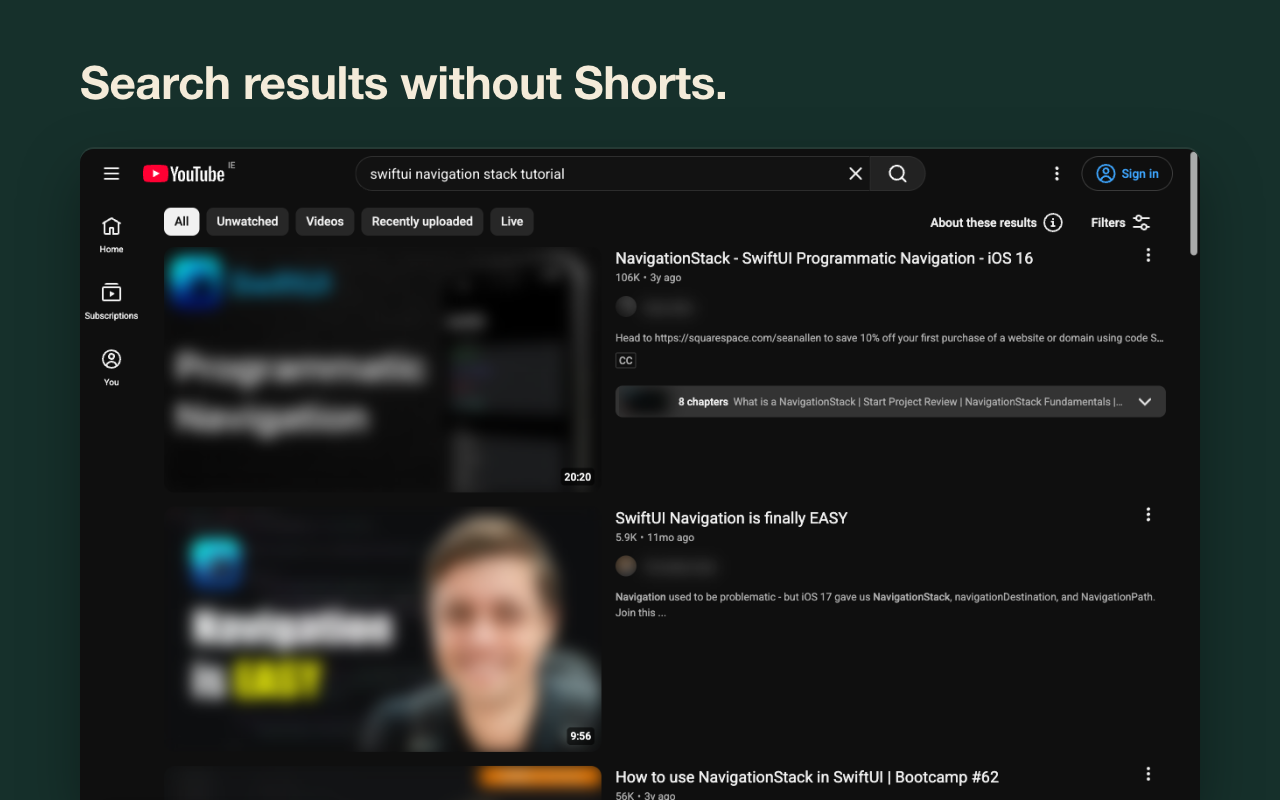
- Hidden on home, search, subscriptions, channel pages and the sidebar. Their links open as normal videos with no endless scrolling, or don't open at all if you choose that. Playables, YouTube's games, are gone from home and the sidebar too. If Shorts are all you want gone, pick "Just hide Shorts" on the first screen: the feed, recommendations, comments, autoplay and the end screen stay as YouTube has them.
- Recommendations
- No column next to the video. "Show recommendations" reveals it after a 10-second wait.
- End of a video
- The next video doesn't start by itself. The end screen and end cards are hidden, and so is the "More videos" grid in fullscreen. Errand asks "Got what you came for?" and offers to close the tab. Playlists and Mixes keep playing as usual. The menu can also skip the question, or leave autoplay to YouTube.
- Comments and Mixes
- Comments sit behind a button. With the default look, Mix tiles and the suggestions under an empty search box are hidden too. Optional: live chat, the bell, view, like and subscriber counts.
- Strict mode
- Pick the hours, say weekdays 9 to 6. During that time the "show" buttons are gone too.
If YouTube changes something, you'll know
Extensions like this usually break the same way. When YouTube changes its layout, Shorts creep back and the one-star reviews say "stopped working after an update". If Errand notices this, its icon shows "!" and the menu says what stopped working. It checks home, search, subscriptions, channel and video pages for Shorts that slipped through. On home, search and video pages it also looks for six parts it hides or changes: the home feed, search results, recommendations, comments, the autoplay button and the end screen. It skips any of these you've left as YouTube shows them. Each breakage I find goes on a public page, Known breakages and fixes, with three dates: found, fixed in code, and live in the Chrome Web Store.
The ad-blocker warning usually appears when requests or ads get blocked. Errand blocks neither and doesn't change how videos load.
Questions
Is it free?
Yes. The code is open under GPL-3.0 on GitHub.
Can I hide YouTube Shorts on desktop without an extension?
Partly. YouTube lets you mark a Shorts shelf "Not interested", but it comes back. Errand hides Shorts on the home page, in search, subscriptions, channel pages and the sidebar, and opens Shorts links as normal videos, with no endless scrolling.
How do I remove recommendations from YouTube?
Errand removes the recommendations column on video pages and replaces the home feed with "What are you here for?". "Show recommendations" brings them back after 10 seconds; strict mode removes that button during the hours you pick.
Does it use AI?
No. Errand hides parts of YouTube's page and adds a few buttons. There's no AI model in it and it makes no network requests.
What data does it collect?
Your settings, what you type on the home page, the errand counts and a list of recent breakages stay in your browser, and the extension makes no network requests. "Report a problem" in the Errand menu opens a Google Form you fill in yourself. Its link carries the extension version, your browser and its language, the page type, what stopped working, your main Errand settings, and the date, time, page type and what broke for up to 12 recent breakages, so opening the form sends those to Google.
Will YouTube show the ad-blocker warning?
It shouldn't. The warning usually appears when requests or ads get blocked. Errand blocks neither and doesn't change how videos load.
Does it block ads?
No. Use uBlock Origin for that (in Chrome, uBlock Origin Lite); they work together.
Showing a video to a class?
Set strict mode to "Always": the feed, recommendations, comments and the end screen stay hidden, and there are no "show" buttons. To keep the next video from starting, pick "Just stop" under "When a video ends". Errand doesn't filter videos, so it isn't parental control.
Brave, Vivaldi, Yandex Browser?
Install it from the Chrome Web Store.
Install stuck, or a safety warning?
Enhanced Safe Browsing doesn't list Errand yet, so Chrome asks you to confirm. If the install just spins, as in Arc, switch to Standard protection (Settings > Privacy and security > Security), install, then switch back.
Phone?
Not yet.
Coming from Unhook?
Most of Unhook's main switches have a match in Errand: the home feed, recommendations, Shorts, comments, the end screen and end cards, Mixes, live chat, the bell and autoplay. Errand starts from three presets instead of a list of switches. The default one hides the home feed, recommendations, comments and the end screen, stops autoplay, and keeps search and your subscriptions. "Subscriptions first" does the same but opens your subscriptions in place of home. "Just hide Shorts" leaves all of that as YouTube has it. The menu lets you change single parts later. Unhook has options Errand doesn't, such as hiding the video description or the top header. Settings don't carry over between the two. Turn Unhook off while you try Errand, so it's clear which one hides what.
Guides
How to hide YouTube Shorts on desktop YouTube without recommendations How to hide the YouTube end screen Unhook and others compared
Updated November 2026